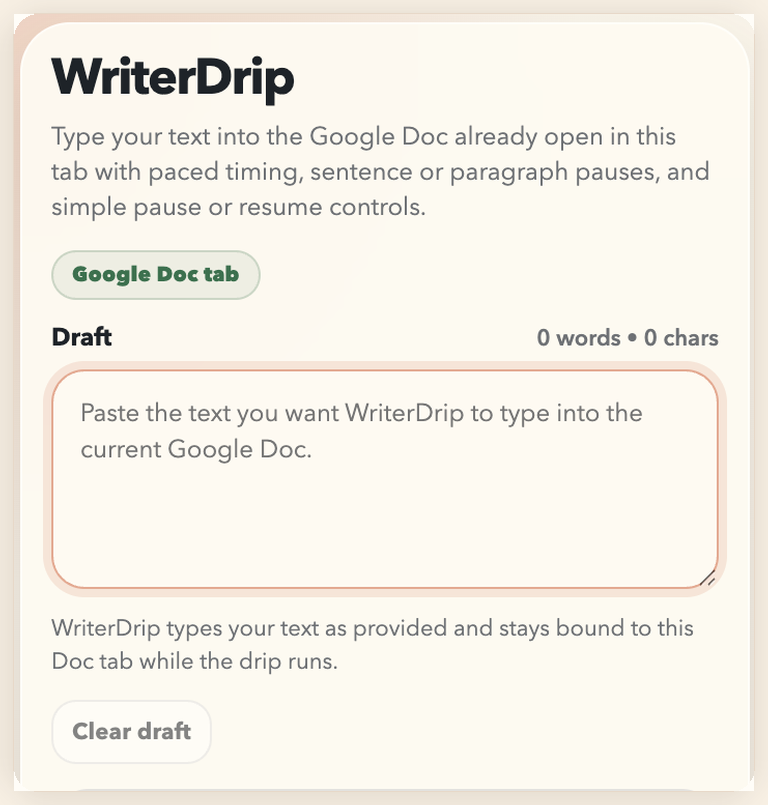
Looking for Dripwriter?
WriterDrip is a free open-source alternative.
If you searched for Dripwriter, WriterDrip gives you a similar paced typing workflow for Google Docs without a paywall, with a correction engine that focuses on typo variety, delayed fixes, and same-Doc recovery. Its biggest difference is trust: no Google OAuth, no remote server, no hidden typing job, and no draft upload. WriterDrip is an independent project and is not affiliated with Dripwriter.
Trust-first design
Open, local, and easier to audit.
WriterDrip is built around behavior users can inspect: the pacing logic, correction estimates, recovery checks, completion summary, and debug report are all local and visible in the repository.
Correction engine
Built around the fix-up behavior people actually notice.
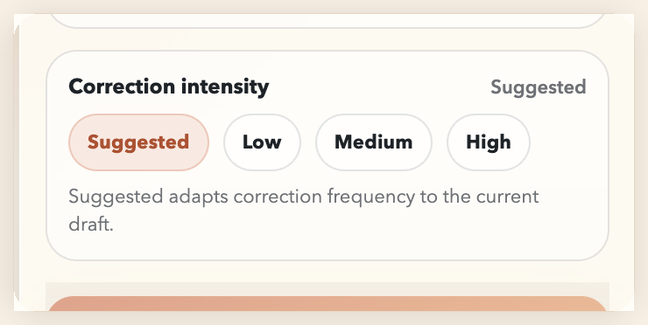
WriterDrip previews what each correction mode means for the current draft, then can mix typo depth, spacing slips, punctuation substitutions, repeated words, and delayed repairs while still resolving back to the original draft.
Flexible timing
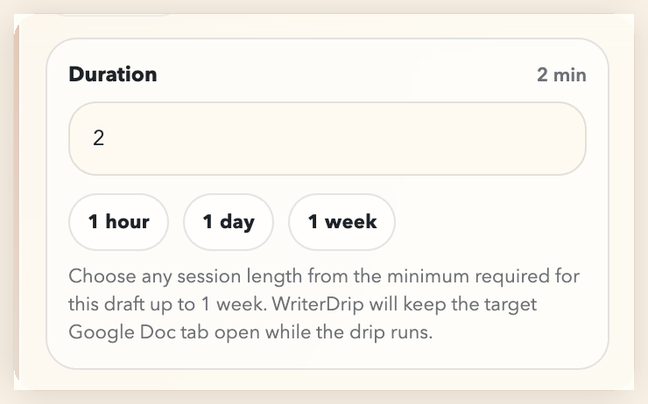
Choose a session that fits the draft.
Use the draft-sized minimum, type a custom duration, or jump to quick presets like one hour, one day, or one week. After completion, the run summary shows timing, corrections, delayed repairs, pauses, interruptions, and final check status.
Install and use
From GitHub clone to first run in a few minutes.
- Download the repo. Clone or download WriterDrip from GitHub.
-
Load the extension.
Open
chrome://extensions, enableDeveloper mode, then clickLoad unpackedand select the folder that containsmanifest.json. - Open your Google Doc. Click inside the document body so WriterDrip can attach to the active editor.
- Paste, choose, and start. Paste your draft, choose a duration and correction intensity, then start the drip. Keep your browser open, keep the original Google Doc tab open, and keep your computer awake while the run is active. If you need to stop for the day, pause it and resume later from the same Google Doc.
FAQ
What people usually want to know first.
Does it just type straight through?
No. WriterDrip is built around a correction engine that can introduce and fix typos, spacing slips, punctuation mistakes, repeated words, and delayed repairs while keeping the final text aligned to the draft.
Does WriterDrip use my Google account?
No. WriterDrip works against Google Docs document pages in your browser and does not require OAuth, Google Drive API access, or a server account.
Does it keep running if I switch tabs?
Yes. WriterDrip stays bound to the original Google Doc tab while you use other tabs, and it can ask Chrome to keep the system awake during active runs. The popup includes a keep-awake toggle if you want normal battery or sleep behavior instead.
Does my laptop have to stay on?
WriterDrip is local-only, so the browser and original Google Doc tab must stay open. Keep-awake is optional and defaults on, but WriterDrip cannot continue if the computer shuts down, the browser closes, or the lid forces sleep.
Is WriterDrip free?
Yes. The project is MIT-licensed, open source, and available from the public GitHub repository.
Does it control Google Docs version history?
No. WriterDrip types into the live editor, but Google still controls how revision history is grouped and displayed.
What is in a debug report?
Browser family/version, extension version, issue code, run state, and Doc status metadata. It does not include your draft text or full browser user-agent string.